
🔐 What Is SSL and Why It’s Required for SEO
If you’ve ever noticed websites that look like this:
http://yourwebsite.com (Not Secure ❌)
https://yourwebsite.com (Secure ✅)
That’s because of SSL — and today, it’s not just optional; it’s required for trust, security, and even Google rankings.
This guide explains what SSL is, how it works, and why your website needs it, especially if you care about SEO and online credibility.
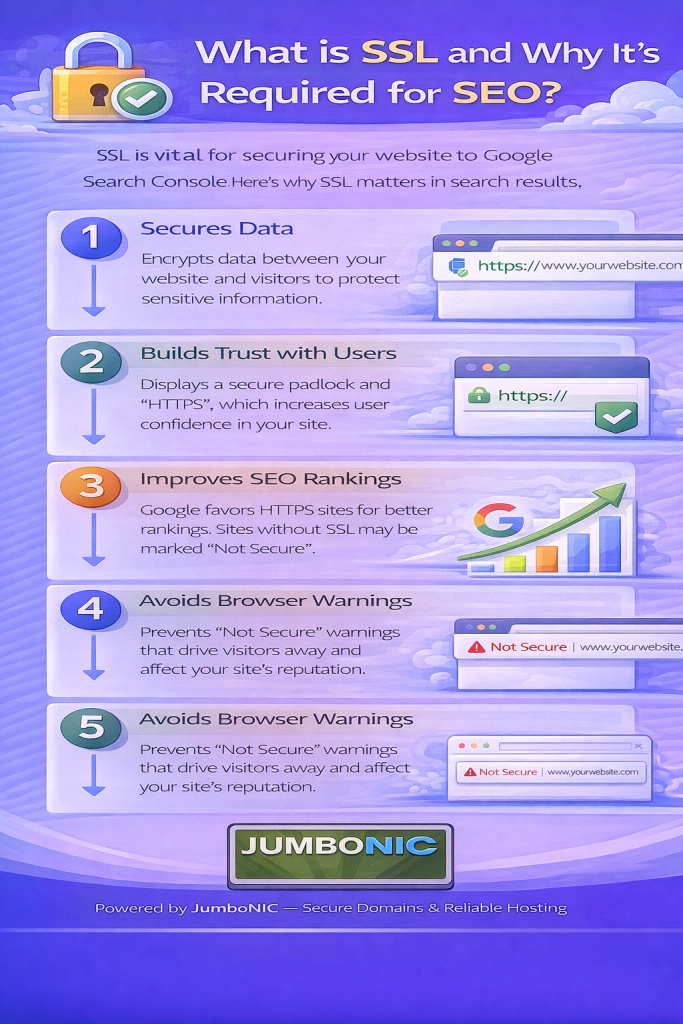
🧠 What Is SSL?
SSL stands for Secure Sockets Layer.
It is a security technology that encrypts the data that travels between:
Your website
And your visitors’ browsers
This prevents hackers from stealing sensitive information such as:
Passwords
Contact details
Payment information
When a website uses SSL, you will see:
A padlock symbol 🔒
And the https:// prefix
This tells visitors:
“This website is safe and secure.”
📉 What Happens Without SSL?
Without SSL, the browser will warn visitors:
“This website is Not Secure”
This scares users away and hurts your reputation.
Worse — Google sees it as unsafe, which affects your search ranking.
🏆 Why SSL Is Required for SEO
Google has confirmed that SSL is a ranking factor.
This means secure websites get higher priority in search results.
| With SSL (https://) | Without SSL (http://) |
|---|---|
| Google ranks you higher ✅ | Lower ranking potential ❌ |
| Visitors trust your site ✅ | Visitors may leave immediately ❌ |
| You look professional ✅ | Your site looks outdated/insecure ❌ |
If you want traffic, leads, customers, or authority — you need SSL.
🧪 Example: Two Sites Competing in Google
| Site A | Site B |
|---|---|
| Loads fast, has SSL | Loads fast, no SSL |
| Trusted by Google | Marked as Not Secure |
| Ranks higher | Ranks lower |
SSL can be the tie-breaker when Google decides which site to rank.
🛡️ How SSL Protects Your Website
SSL creates a secure, encrypted tunnel for data.
It prevents:
Data theft
Login hacking
Information spying
Fake “phishing” pages
It protects:
Visitor privacy
Business credibility
Customer trust
So SSL is security + trust + ranking boost — all in one.
🚀 Installing SSL With JumboNIC (Super Easy)
Most hosting from JumboNIC includes FREE SSL support.
Steps (WordPress or standard hosting):
Log in to your JumboNIC hosting control panel
Go to SSL/TLS or Security
Enable AutoSSL or Let’s Encrypt
Make sure your site loads using:
https://yourwebsite.com
If your site still loads the old version, run a plugin like:
Really Simple SSL (WordPress)
Instant automatic fix ✅
🎯 Benefits of Using JumboNIC for SSL
| JumboNIC Advantage | Real-World Benefit |
|---|---|
| Free SSL certificates included | No extra yearly fees |
| Easy setup in one dashboard | No technical experience needed |
| Fast and secure server configuration | Strong protection + better SEO |
| Helpful support team | Guidance if you need help |
With JumboNIC, SSL setup takes minutes, not hours.
🏁 Final Takeaway
SSL is not just a security feature — it’s a requirement for:
Search engine ranking
Website trust
Professional branding
Safe user experience
If your site still shows http://, you are:
❌ Losing trust
❌ Losing visitors
❌ Losing search ranking
Switch to https:// with SSL and your website becomes:
✅ Trusted
✅ Protected
✅ SEO-friendly
And with JumboNIC, enabling SSL is fast, free, and beginner-friendly.
