
How to Manage Multiple WordPress Sites from One Dashboard
Managing a single WordPress site is straightforward, but juggling multiple websites can quickly become overwhelming. From plugin updates to backups, security checks, and content management, managing several sites individually is time-consuming and error-prone.
Fortunately, there are ways to streamline site management by using a single dashboard to monitor, update, and maintain all your WordPress sites. In this guide, you’ll learn how to efficiently manage multiple WordPress sites—while leveraging JumboNIC’s hosting tools to simplify the process.
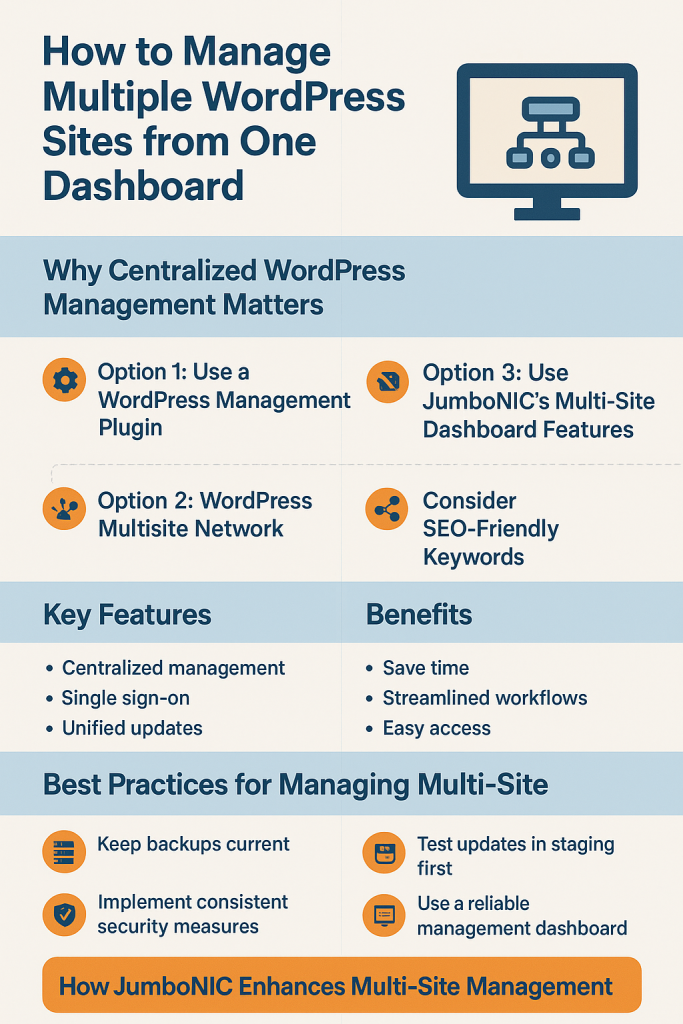
Why Centralized WordPress Management Matters
Managing multiple sites from one dashboard offers:
Time savings – Update plugins, themes, and WordPress core on all sites simultaneously.
Improved security – Monitor security threats across all websites in one place.
Better backup management – Keep track of backups without logging into each site individually.
Streamlined workflow – Quickly access dashboards, analytics, and performance metrics.
This is particularly useful for agencies, freelancers, or businesses running multiple domains.
Option 1: Use a WordPress Management Plugin
Several WordPress management platforms allow you to control multiple sites from one interface.
Popular Plugins / Tools
ManageWP
Free and premium plans
Central dashboard for updates, backups, and uptime monitoring
Security scans and performance checks
One-click plugin and theme updates
MainWP
Self-hosted WordPress management
Open-source and highly customizable
Bulk updates, backups, and reporting
Supports unlimited sites
InfiniteWP
Self-hosted solution for agencies
Bulk management for plugins, themes, and users
Supports staging and restores
Tip: Combine with JumboNIC hosting for faster performance and easy access to staging environments.
Option 2: Use JumboNIC’s Multi-Site Dashboard Features
JumboNIC hosting makes managing multiple WordPress sites easier with:
Single dashboard access – View all hosted sites at a glance.
One-click WordPress updates – Keep core, plugins, and themes up to date.
Staging environment integration – Test updates on a staging copy before pushing live.
Backups and restores – Manage backups for all sites from a central location.
Performance insights – Monitor speed, uptime, and traffic statistics across sites.
With JumboNIC, multi-site management becomes streamlined, secure, and efficient.
Option 3: WordPress Multisite Network
If you’re comfortable with a more advanced setup, consider WordPress Multisite:
Key Features
One WordPress installation for multiple domains or subdomains
Shared user management
Bulk plugin/theme installation
Centralized updates
Benefits
Easier management of sites with similar plugins and themes
Centralized backups and security enforcement
Caution: Multisite works best for related websites. Isolated sites or sites with very different plugins may be better managed individually.
Best Practices for Managing Multiple Sites
Keep backups current
Use JumboNIC’s automated backups to avoid data loss.Test updates in staging first
JumboNIC’s staging environments let you safely update plugins and themes without affecting live sites.Implement consistent security measures
Use security plugins like Wordfence or Sucuri across all sites.Use a reliable management dashboard
Tools like ManageWP, MainWP, or JumboNIC’s dashboard save time and reduce errors.Monitor performance regularly
Track page speed, uptime, and Core Web Vitals across all sites to prevent slow-loading pages.
How JumboNIC Enhances Multi-Site Management
JumboNIC hosting is designed for efficiency and reliability:
High-speed NVMe servers – Fast database queries and page loads for all sites.
Integrated staging and cloning tools – Test updates across multiple sites safely.
Centralized backups and restores – One-click recovery for all websites.
Server-level security and DDoS protection – Protect multiple sites without extra configuration.
Easy WordPress installation – Quickly spin up new sites from the dashboard.
This makes JumboNIC an ideal choice for freelancers, agencies, and businesses managing multiple WordPress websites.
Conclusion
Managing multiple WordPress sites doesn’t have to be a logistical nightmare. By using centralized management tools and leveraging JumboNIC’s performance-optimized hosting, you can:
✔ Update plugins, themes, and WordPress core from one dashboard
✔ Test updates safely using staging environments
✔ Monitor backups, security, and performance efficiently
✔ Reduce downtime and improve workflow across all sites
Whether you choose ManageWP, MainWP, a Multisite network, or JumboNIC’s built-in tools, centralized management saves time, prevents errors, and keeps your websites secure and performant.
