
How to Integrate Marketing Tools with Your Hosting Dashboard
In today’s competitive digital landscape, marketing success depends on seamless integration between your website and the tools that track, analyze, and optimize campaigns. By connecting marketing tools directly with your hosting dashboard, you streamline workflows, gain actionable insights, and improve overall efficiency.
This guide explains how to integrate marketing tools with your hosting environment and highlights how JumboNIC hosting makes it simple, secure, and reliable.
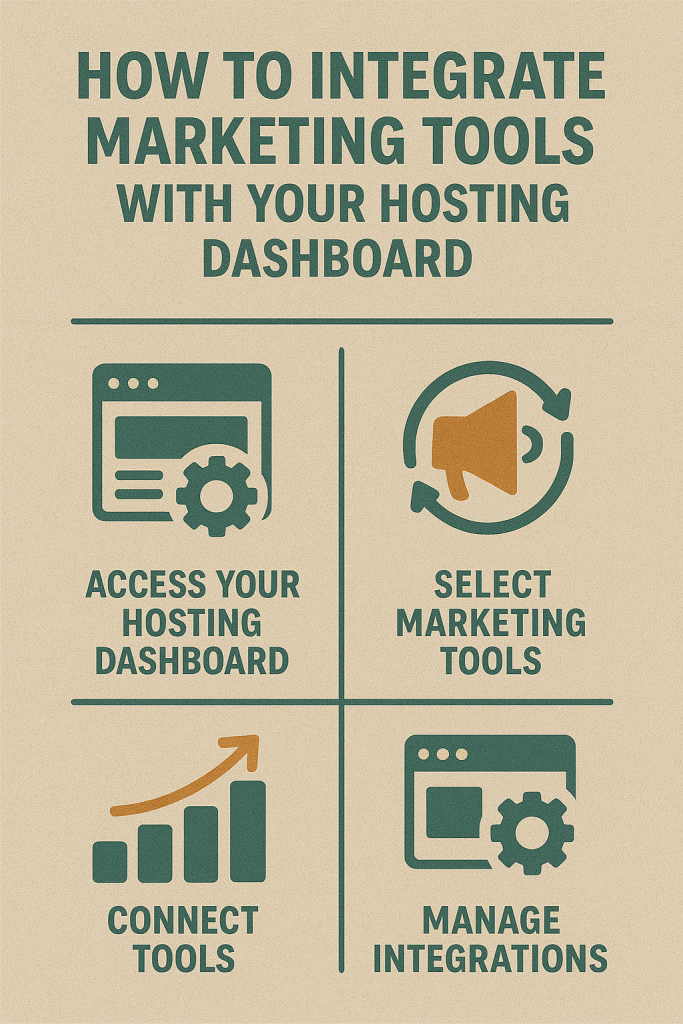
Why Integrating Marketing Tools with Your Hosting Dashboard Matters
Centralized Management
Access analytics, email campaigns, SEO reports, and backups from a single interface.
Reduce time spent switching between multiple dashboards.
Improved Data Accuracy
Direct integration ensures real-time data collection without delays or discrepancies.
Faster Decision-Making
Quickly analyze performance metrics and make adjustments to campaigns or website content.
Enhanced Efficiency
Automate repetitive tasks such as syncing analytics, updating tracking scripts, or deploying marketing assets.
Common Marketing Tools to Integrate
1. Analytics Platforms
Google Analytics / GA4 – Track visitor behavior, conversions, and user demographics.
Hotjar / Crazy Egg – Heatmaps, session recordings, and behavioral insights.
2. Email Marketing
Mailchimp, Sendinblue, or Klaviyo – Automate newsletters, promotions, and drip campaigns.
3. SEO Tools
Ahrefs, SEMrush, Moz – Monitor rankings, backlinks, and on-page SEO performance.
4. CRM & Marketing Automation
HubSpot, Salesforce, Zoho – Integrate lead capture forms and track sales pipelines.
5. Social Media Management
Buffer, Hootsuite, Sprout Social – Schedule posts, monitor engagement, and generate reports.
Steps to Integrate Marketing Tools with Your Hosting Dashboard
1. Choose Compatible Tools
Ensure the marketing tools you want to integrate support your hosting platform.
JumboNIC supports popular marketing tools and scripts out of the box.
2. Add Tracking Scripts
Insert analytics or tracking codes directly via your hosting dashboard or CMS.
JumboNIC’s one-click integrations simplify adding scripts to WordPress or custom websites.
3. Enable API Connections
Many marketing platforms offer APIs for deeper integration.
Use APIs to sync leads, form submissions, or e-commerce transactions with CRM and analytics platforms.
4. Use Plugin or Module Integrations
WordPress plugins or platform modules can connect your tools to your hosting environment.
JumboNIC supports plugin installation and staging environments to safely test new integrations.
5. Test Integrations Before Going Live
Use staging sites to verify scripts, APIs, and automation workflows.
JumboNIC’s staging environments allow testing without affecting live site performance.
6. Monitor Performance and Data Accuracy
Check that data is flowing correctly and dashboards reflect accurate insights.
Regular monitoring prevents discrepancies that could affect campaign decisions.
How JumboNIC Simplifies Marketing Tool Integration
One-Click Installations – Quickly add WordPress, e-commerce platforms, and marketing plugins.
Staging Environments – Safely test integrations before deploying live.
Fast, Reliable Servers – Ensure scripts and analytics run smoothly without slowing your website.
Global CDN & HTTP/3 Support – Reduce latency for marketing scripts and assets.
Centralized Dashboard – Manage multiple websites, integrations, backups, and security from one location.
By hosting with JumboNIC, businesses gain a reliable infrastructure that ensures marketing tools function efficiently and accurately.
Best Practices for Marketing Tool Integration
Prioritize Speed – Avoid bloated scripts that slow down your site.
Keep Security in Mind – Use SSL and secure APIs to protect data.
Test Regularly – Validate tracking codes, API connections, and automation workflows.
Document Configurations – Maintain a record of integration settings for easy troubleshooting.
Monitor Uptime and Performance – Hosting stability affects the accuracy of marketing data.
Conclusion
Integrating marketing tools with your hosting dashboard streamlines operations, improves data accuracy, and enhances your ability to make data-driven decisions. Whether you’re managing analytics, SEO, email campaigns, or social media, a centralized, reliable hosting environment is crucial.
With JumboNIC hosting, businesses enjoy high-speed servers, one-click installations, staging environments, and a centralized dashboard that simplifies marketing tool integration—helping you optimize campaigns and maximize ROI without technical headaches.
