
How to Optimize WooCommerce for Speed and Security
Running a WooCommerce store is exciting—but it comes with its own set of challenges. Slow-loading pages, abandoned carts, and security vulnerabilities can hurt sales and customer trust. Optimizing both speed and security is crucial to running a successful online store.
In this guide, you’ll learn actionable strategies to make your WooCommerce store faster and more secure, while leveraging JumboNIC’s hosting solutions for maximum performance.
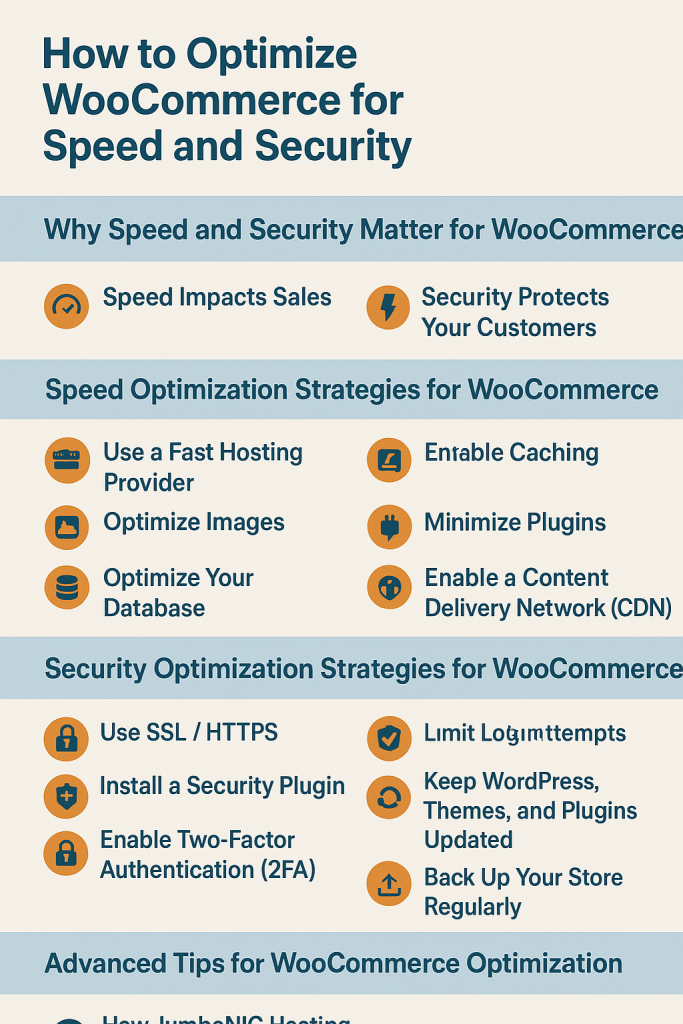
Why Speed and Security Matter for WooCommerce
1. Speed Impacts Sales
Research shows that a 1-second delay in page load can reduce conversions by up to 7%.
Slow pages increase bounce rates and reduce search engine rankings.
2. Security Protects Your Customers
WooCommerce stores handle sensitive data: payment info, personal details, and order history.
Data breaches lead to financial loss, legal trouble, and lost trust.
Optimizing for speed and security ensures better UX, SEO, and revenue.
Speed Optimization Strategies for WooCommerce
1. Use a Fast Hosting Provider
Your server forms the foundation of performance.
JumboNIC Advantage:
NVMe SSD storage for faster database queries
HTTP/3 and global CDN for lightning-fast content delivery
Optimized WooCommerce stack for PHP, MySQL, and caching
2. Enable Caching
Caching reduces server load and improves page speed.
Page caching: Serve static versions of pages
Object caching: Store frequently used database queries
Browser caching: Let visitors’ browsers store assets
Plugins like LiteSpeed Cache or WP Rocket work well with WooCommerce. JumboNIC’s hosting includes built-in caching options for maximum efficiency.
3. Optimize Images
Images often make up most of a page’s size.
Use WebP format
Resize images before uploading
Enable lazy loading for product images
Faster-loading images improve Core Web Vitals and mobile performance.
4. Minimize Plugins
Too many plugins, especially heavy ones, slow down your site.
Remove unused plugins
Avoid multiple security plugins running the same tasks
Choose lightweight, WooCommerce-compatible plugins
JumboNIC’s staging environment allows you to test plugin performance safely before deployment.
5. Optimize Your Database
WooCommerce relies heavily on database operations.
Regularly clean up old orders, transients, and logs
Optimize tables for faster queries
Use database optimization plugins like WP-Optimize
With JumboNIC’s NVMe-powered hosting, database operations execute much faster.
6. Enable a Content Delivery Network (CDN)
A CDN distributes static assets globally, reducing latency.
JumboNIC integrates seamlessly with global CDNs
Static assets (images, CSS, JS) load faster worldwide
Reduces server load and improves mobile performance
Security Optimization Strategies for WooCommerce
1. Use SSL / HTTPS
Encrypt all communication to protect sensitive customer data.
JumboNIC provides free SSL certificates
Enable HTTPS everywhere, not just on checkout pages
2. Install a Security Plugin
Security plugins protect against malware, brute-force attacks, and vulnerabilities.
Recommended plugins for WooCommerce:
Wordfence
Sucuri Security
iThemes Security
Combined with JumboNIC’s server-level firewalls, these plugins enhance protection.
3. Enable Two-Factor Authentication (2FA)
2FA adds an extra layer of login protection.
Works for admin accounts and store managers
Protects against compromised passwords
Many security plugins or JumboNIC hosting offer easy 2FA setup.
4. Limit Login Attempts
Brute-force attacks can lock your site or compromise accounts.
Use a plugin to limit login attempts
Combine with firewall rules for extra security
5. Keep WordPress, Themes, and Plugins Updated
Outdated software is a major vulnerability.
Always test updates in a staging environment
JumboNIC’s staging and backup tools allow safe updates
Enable automatic minor updates for WordPress core
6. Back Up Your Store Regularly
In case of attacks or errors, backups are your safety net.
JumboNIC provides automated daily backups
Keep off-site backups for added redundancy
Test restore process periodically
Advanced Tips for WooCommerce Optimization
Use PHP 8.1+ for faster performance
Minify CSS, JS, and HTML for smaller page sizes
Disable unused WooCommerce features (like reviews or product suggestions if not needed)
Monitor performance with tools like Google PageSpeed Insights or GTmetrix
How JumboNIC Hosting Makes WooCommerce Optimization Easier
JumboNIC hosting offers:
High-speed NVMe SSD servers for faster database queries and page loads
Global CDN & HTTP/3 for rapid asset delivery
Staging environments to test updates safely
Daily automated backups & one-click restore
Integrated security tools like firewalls, malware scanning, and SSL certificates
This means your WooCommerce store runs fast and stays secure with minimal hassle.
Conclusion
Optimizing WooCommerce for speed and security is essential to improve conversions, protect customer data, and grow your online business.
By combining:
✔ Fast, optimized hosting (JumboNIC)
✔ Caching and CDN for faster delivery
✔ Image and database optimization
✔ Regular updates, 2FA, and security plugins
…you can ensure your WooCommerce store is fast, secure, and reliable—giving your customers a smooth shopping experience.
